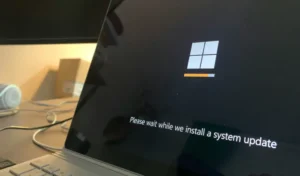
You installed a Windows 11 update, and now something is wrong. Maybe the Start menu won’t open. Maybe the screen is black.…
Read full article →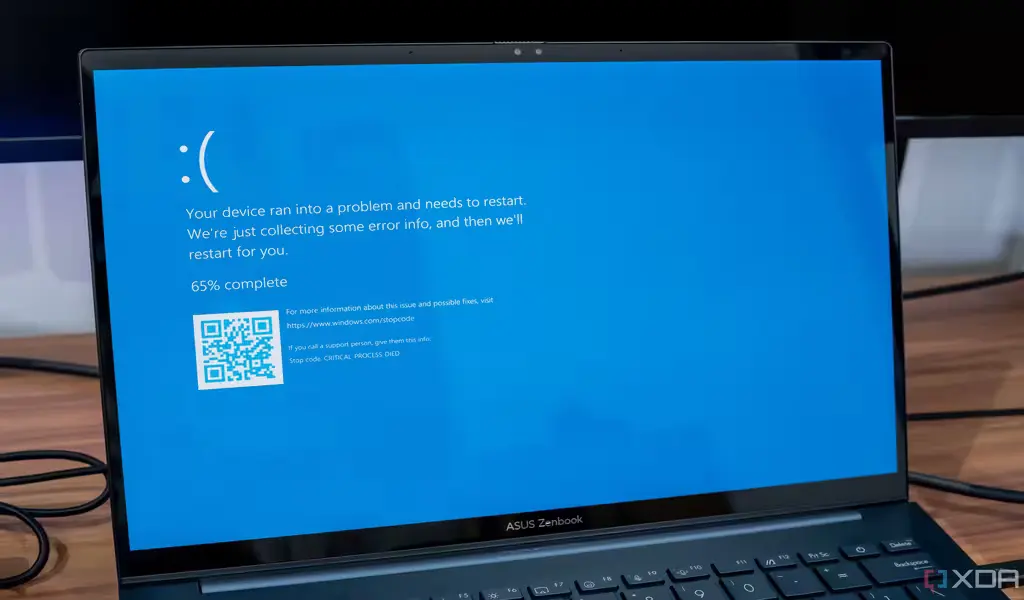
If your Windows 11 Start Menu or search bar has stopped working right after installing a recent update, you’re dealing with one…
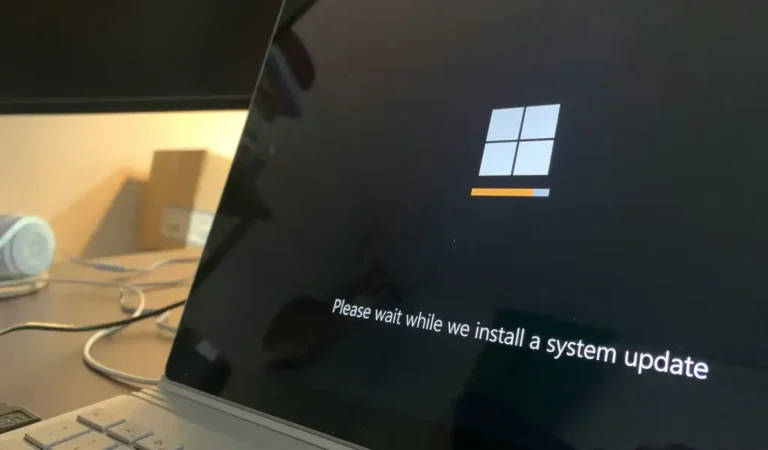
If your Windows 11 update is stuck at a fixed percentage, frozen for hours, or failing with a cryptic error code, you’re…
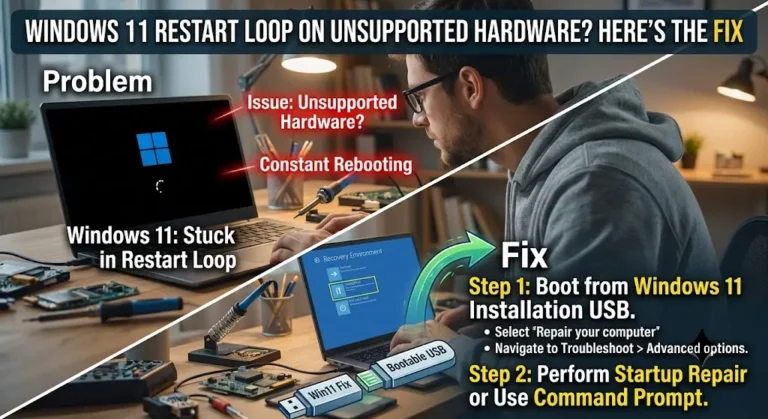
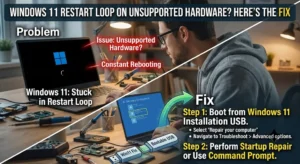
If your PC is stuck in a restart loop after installing or updating Windows 11 on unsupported hardware, you are not alone,…
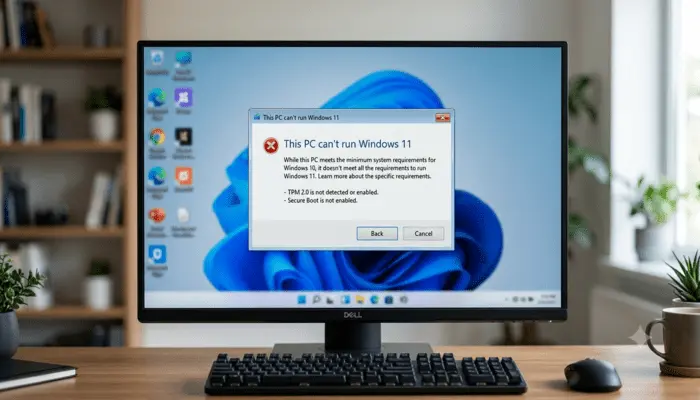
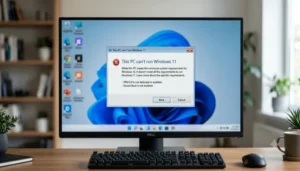
If Windows 11 Updates Not Installing on Unsupported PC, you are not alone — and this is not a random glitch.”. Everything…
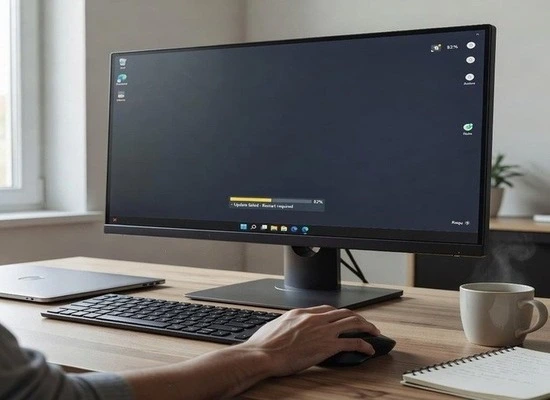
You just updated Windows 11. Everything seemed fine until you tried to use your taskbar. Now the Start menu won’t open. The…
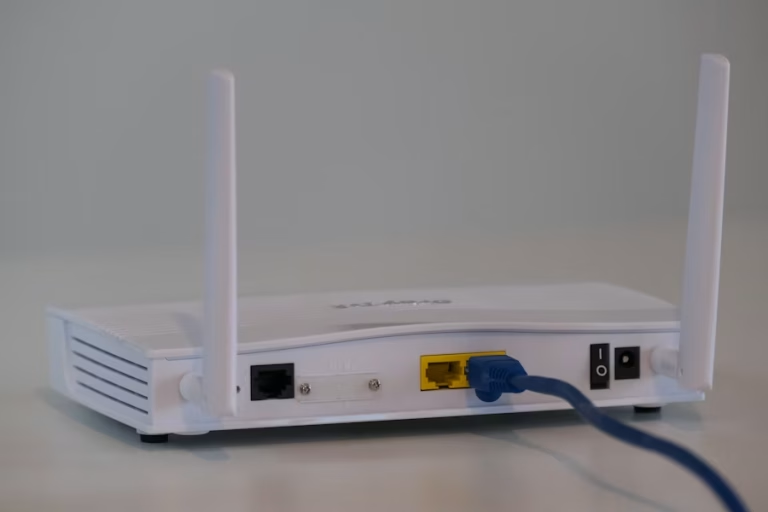
Your WiFi was working perfectly. You installed a Windows 11 update — routine, automatic, nothing unusual. Then everything changed. The connection drops…
You updated Windows 11. Now your screen is black. Maybe there is a cursor sitting there blinking at you doing nothing. Maybe…
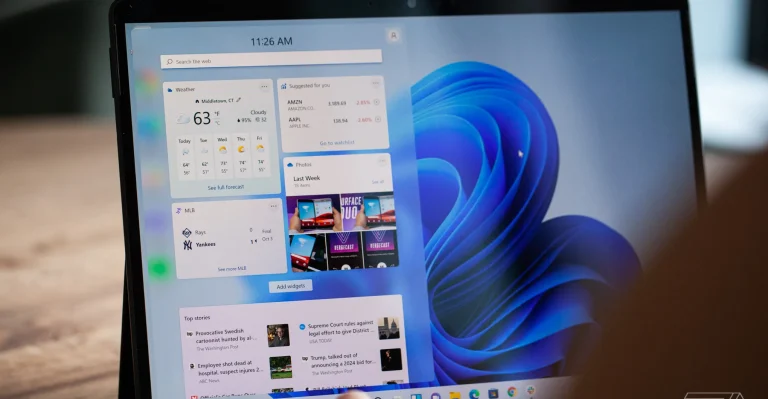
Quick Summary — What You Need to Know Windows 11 slowing down after updates is a real and widely reported problem —…
Every guide is manually researched and written in-depth.
We test solutions on real devices whenever possible.
Information is based on official Microsoft documentation and trusted sources.
We regularly update our content to match the latest Windows updates.
No AI-generated or copied content — 100% original and human-written.
Every guide is cross-checked against these official and community sources.